Android screen mirroring
Mirror your Android screen to almost any TV
Photos, video, games and presentations from your phone to the big screen, over your own Wi-Fi. Check your two devices first - plenty of common pairs cannot mirror at all, and we will tell you which.
Works with Samsung, LG, Hisense, TCL, Sony, Vizio, Philips, Roku and Fire TV1,000,000+ installs
Check your phone and TV
We track 8 Android phone families against 9 TV brands - 72 combinations, of which 59 can mirror over Wi-Fi and 13 cannot.
Pick both devices to see whether they share a mirroring protocol.
What this site is for
Screen mirroring fails for boring, knowable reasons. This is the reference that tells you which one applies to you.
An answer before you install
Pick your phone and your TV and get a straight yes, no, or it-depends in about ten seconds. No download, no account.
Every major TV brand
Samsung, LG, Hisense, TCL, Sony, Vizio, Philips, Roku and Fire TV, with the exact menu path for each and the quirk that breaks most first connections.
Protocols explained plainly
Miracast, Google Cast, AirPlay and DLNA, what each one can actually do, and why your phone may only speak one of them.
We tell you when it will not work
If your two devices share no protocol we say so and point you at an adapter instead. No app can add a protocol your phone does not have.
Fixes that start with the real cause
Troubleshooting that checks compatibility first, because most mirroring problems are two devices that were never able to talk to each other.
Pricing in the open
The real subscription prices, the annual cost of each plan, and how to cancel the 3-day trial before it renews.
What people actually use it for
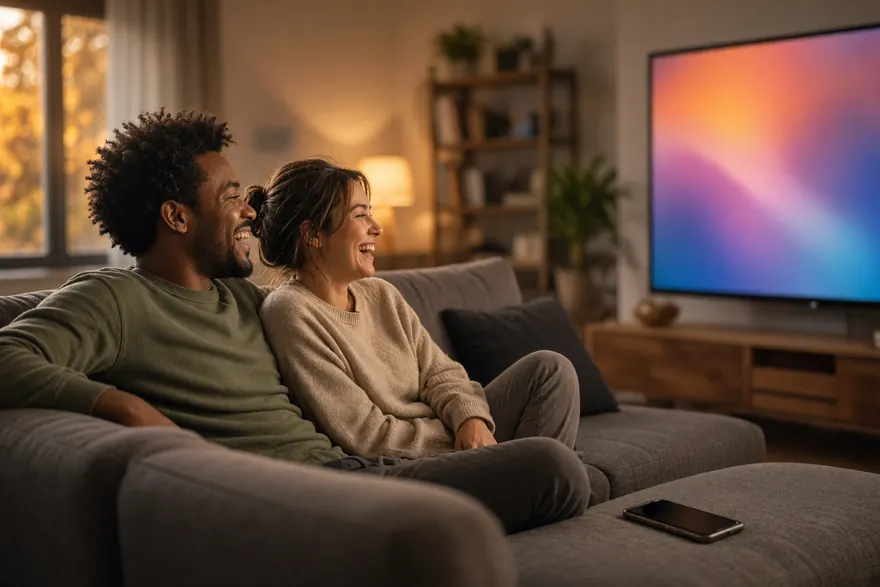
Photos and video on the big screen
The everyday case: holiday photos, a video someone sent you, a match you would rather not watch on a six-inch screen.
- Mirror the whole screen, or push a single photo or video
- Works over your normal Wi-Fi, no cable and no dongle
- Streaming apps like Netflix and Disney+ block mirroring - use their own cast button instead
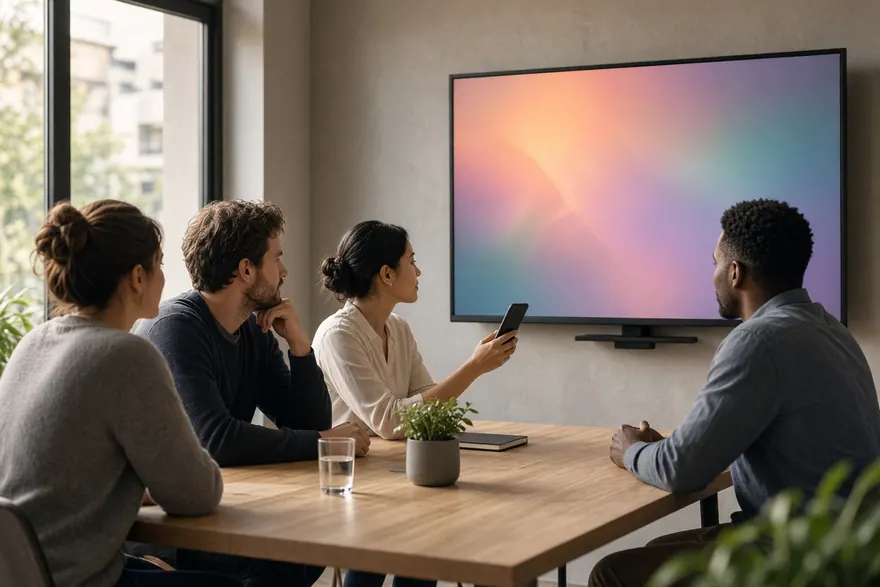
Presenting in a meeting room
Getting a deck or a document onto the room display without hunting for the right cable or the right adapter.
- No cable, no dongle, no adapter roulette
- Works with the display already on the wall
- Corporate and guest Wi-Fi often block device discovery - check before you rely on it
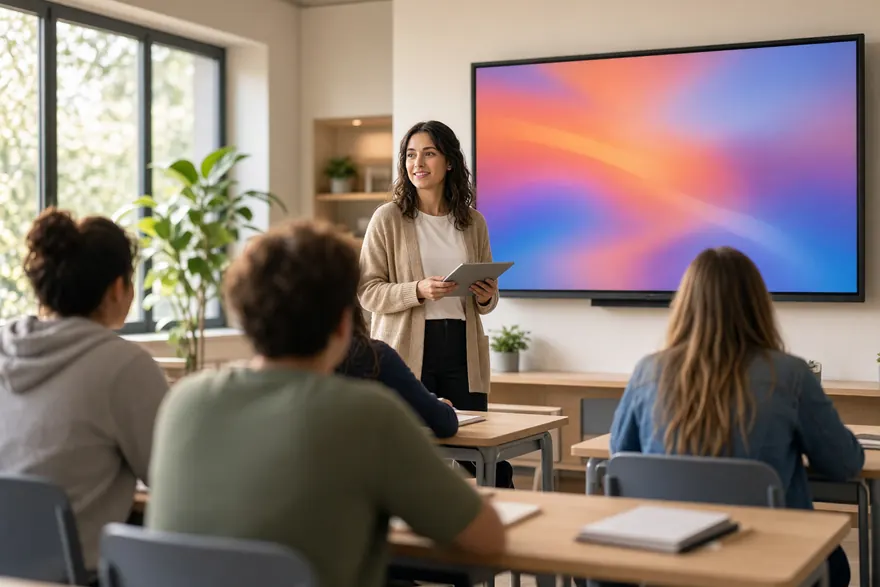
Teaching and demonstrating
Showing a class, a workshop or a customer what is on your device, from anywhere in the room.
- Move around the room while the screen follows you
- Show any app, including ones with no cast support of their own
- Expect 100-300ms of lag - fine for slides, not for gaming
How to get your screen onto the TV
Three steps, and the first one is the one everybody skips.
Check the pair first
Confirm your phone and TV share a protocol. If they do not, nothing below will help and no app can fix it.
Put both on the same Wi-Fi
Same network and same band. A TV on 2.4GHz and a phone on 5GHz will not find each other even though both say they are online.
Start from the TV, then the phone
Several brands only advertise themselves once mirroring is open on the TV. Our brand pages give the exact menu path for each.
About the app we document
CastDone documents Anyview Cast to TV, an Android app by Screen Mirroring TV - AI with 1,000,000+ installs, currently rated 3.8 out of 5 from 23,300 reviews.
The app is free to download, contains ads and in-app purchases, with a 3-day trial for new users. The pricing page lists the real prices, what each plan costs per year, and how to cancel before it renews.
Which TVs this works with
Every brand below is documented with its own menu path and its own failure mode. No logos, because these are other companies’ trademarks and we are not affiliated with any of them.
Common questions
Do I even need an app?
Often not. If your phone and TV both support Miracast, or both support Google Cast, mirroring is already built into both devices and it is free. Samsung calls it Smart View, LG calls it Screen Share, Hisense calls it Anyview Cast. An app is a convenience layer that finds devices across all three protocols in one list.
Why does my TV never appear when I scan?
Usually because your phone and TV share no mirroring protocol, in which case the TV can never appear no matter how long you wait. After that, the common causes are the two devices sitting on different Wi-Fi bands, mirroring being switched off at the TV, or a guest network blocking device discovery.
Can a Google Pixel mirror to a Samsung TV?
No, not over Wi-Fi. Pixels have no Miracast sender and Samsung TVs have no Chromecast built-in, so the two share nothing. A Pixel does mirror to a Vizio without any trouble, because Vizio is Chromecast-based. Use a USB-C to HDMI adapter, or add a Chromecast to the Samsung.
Is the app free?
It is free to download and it contains ads and in-app purchases. The paywall states that casting, mirroring and the TV remote are premium features. New users get a 3-day free trial, and the pricing page lists the real prices along with what each plan costs per year.
Find out in ten seconds
Check your phone against your TV before you install anything. If it will not work, we would rather tell you now.